Guides to what your Mac is doing
Short, direct answers to the questions people ask about a slow, hot or full Mac. Each one shows the built-in way first, then how Activity+ does it.
Written by Almas Malik, who makes Activity+. Updated 24 November 2026, for macOS 14 Sonoma and later.
Coming from Windows
The Mac has the same tools under different names. These cover what replaces Task Manager, Ctrl+Alt+Delete, End Task and the volume mixer.
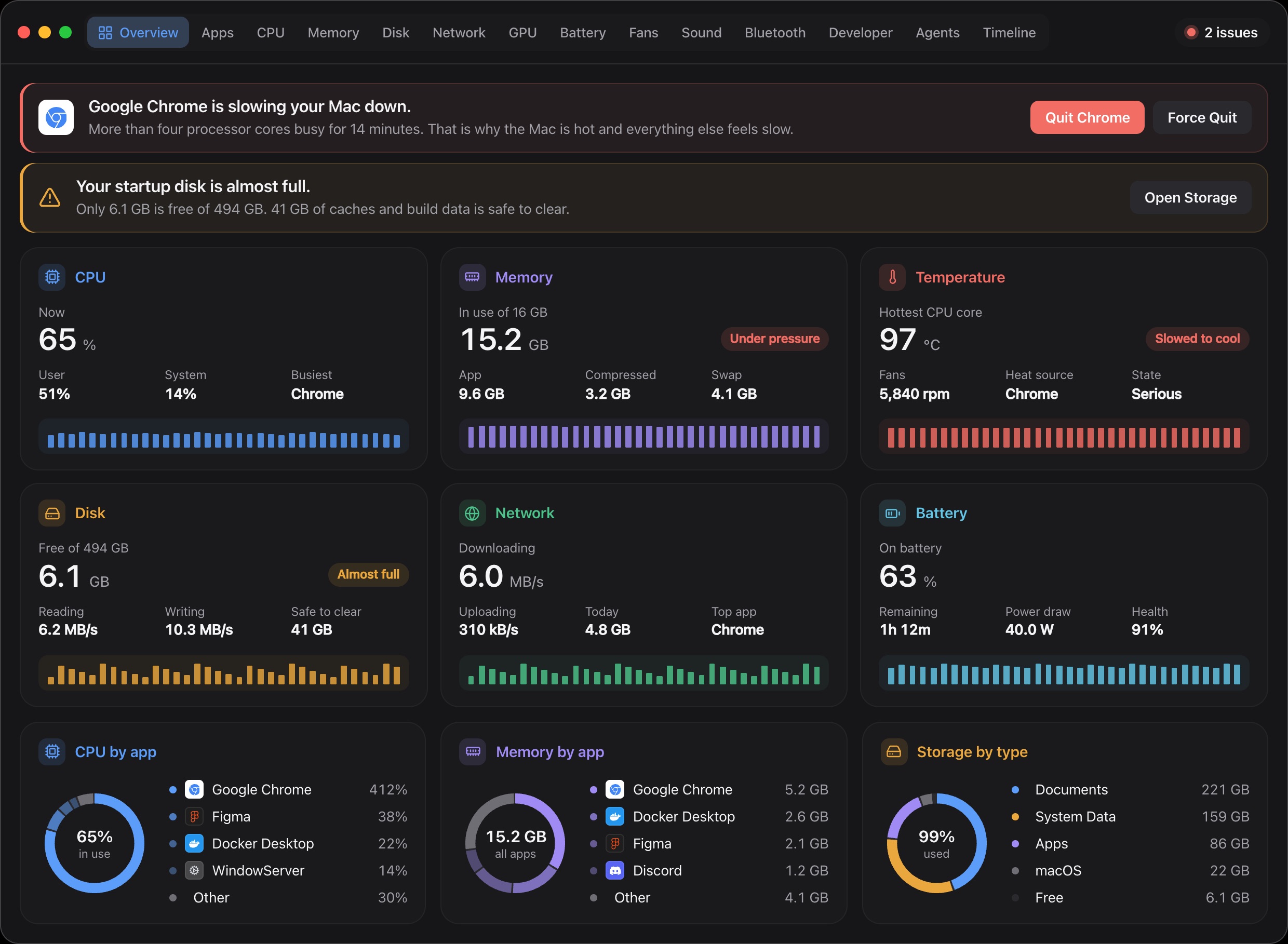
OverviewHow to open Task Manager on a MacThe Mac's Task Manager, and how to open it
Ctrl+Alt+Delete on a MacWhat is Ctrl+Alt+Delete on a Mac?The Mac shortcut, and what it opens
Quit and Force QuitHow to force quit on a MacClose a frozen app, five ways
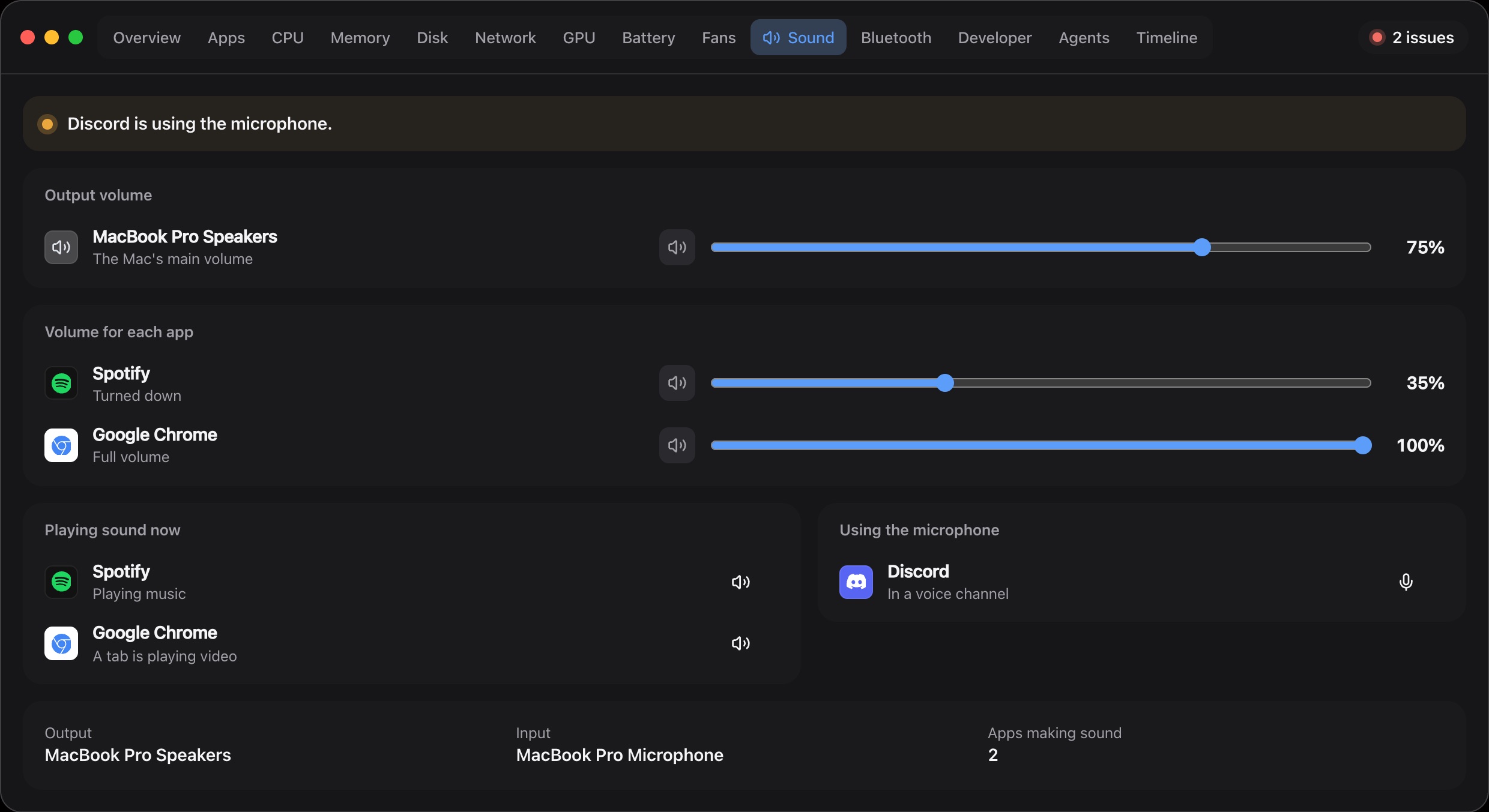
Volume for each appHow to change the volume of one app on a MacTurn one app down without touching the rest
Why is my Mac slow or hot?
Start with the first guide to find which of the five usual causes it is, then go to the one that matches.
DiagnosisWhy is my Mac so slow?Find the cause before you try the fixes
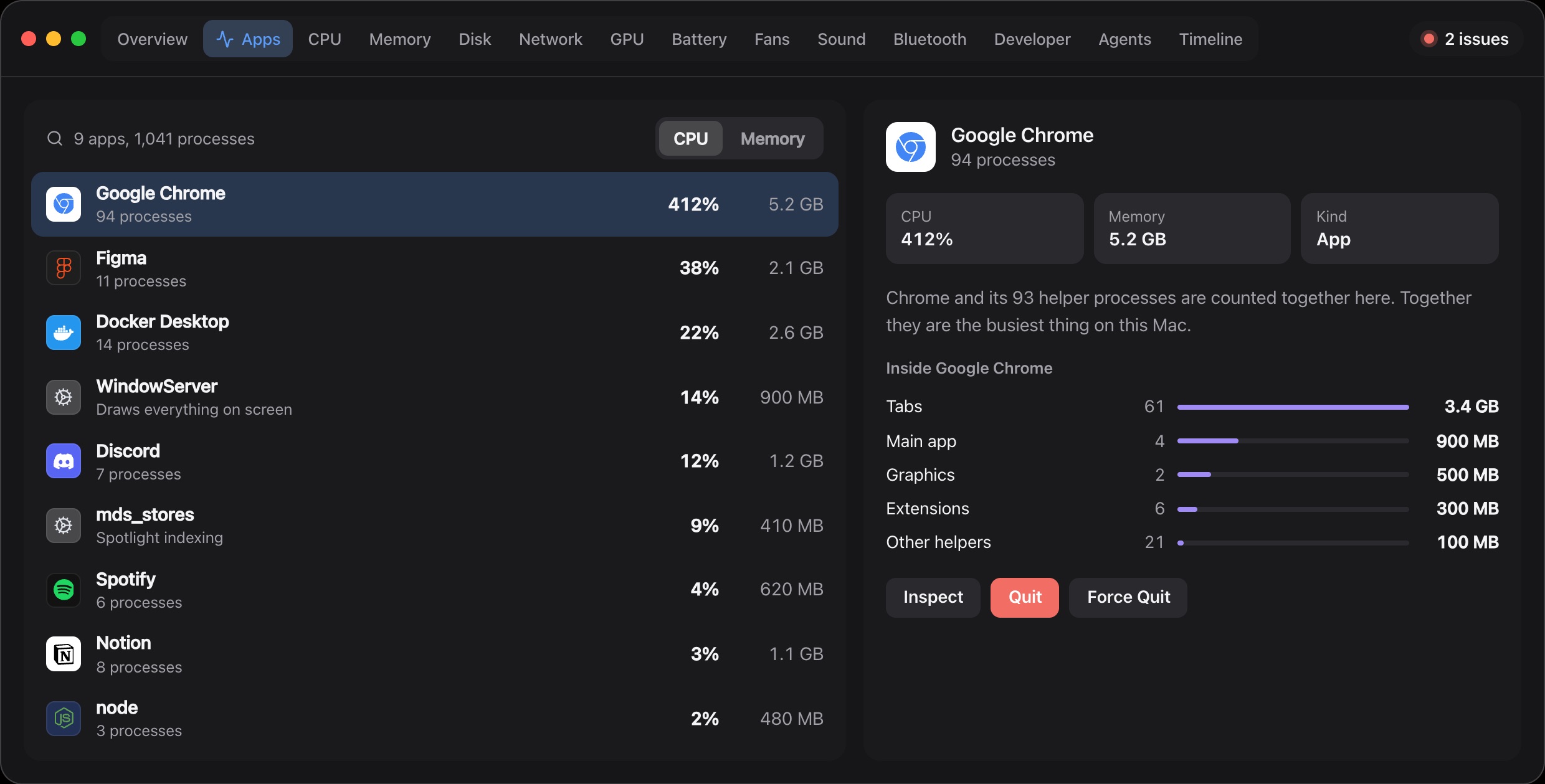
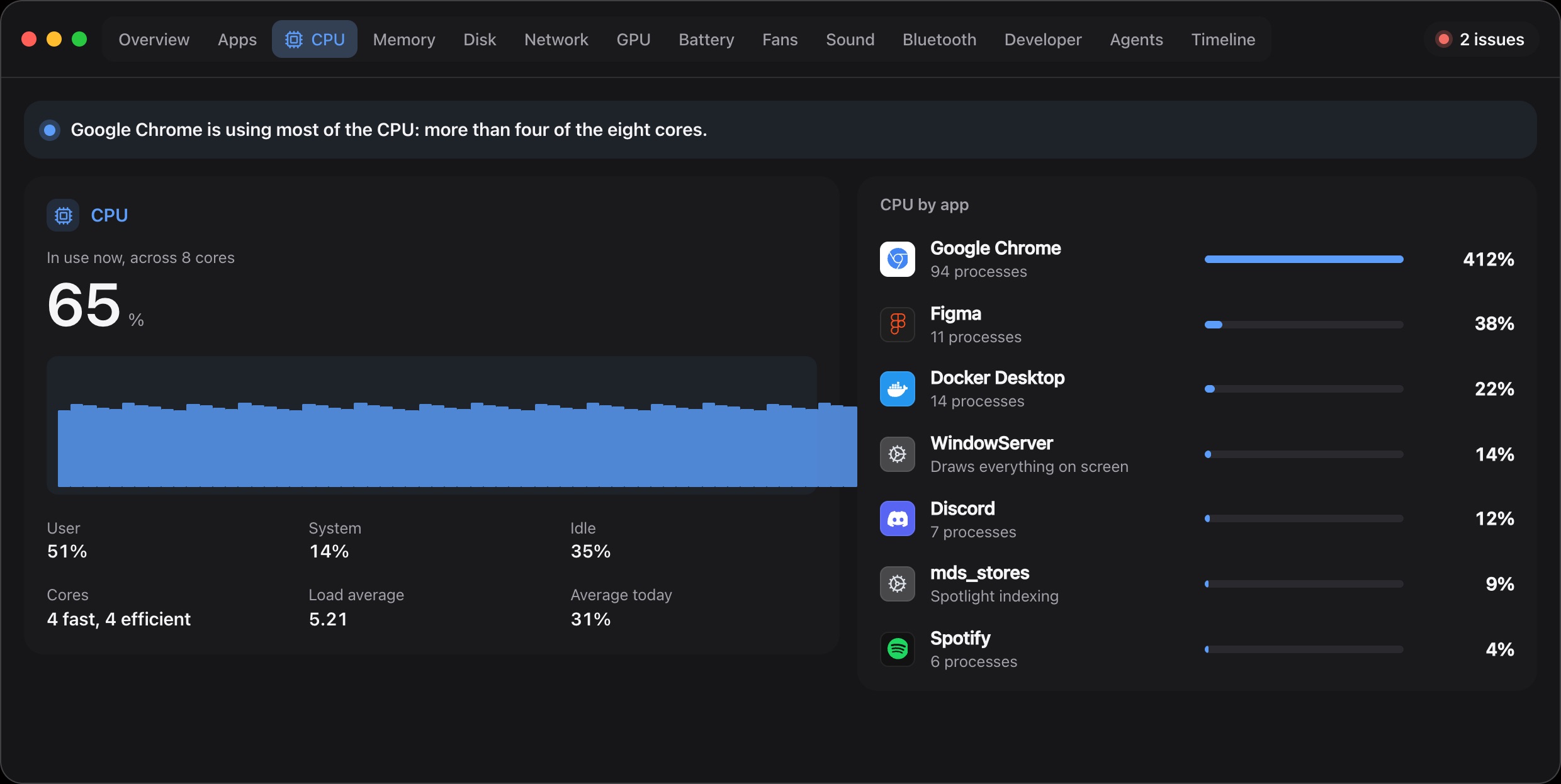
CPUHow to check CPU usage on a MacSee which app is using the processor
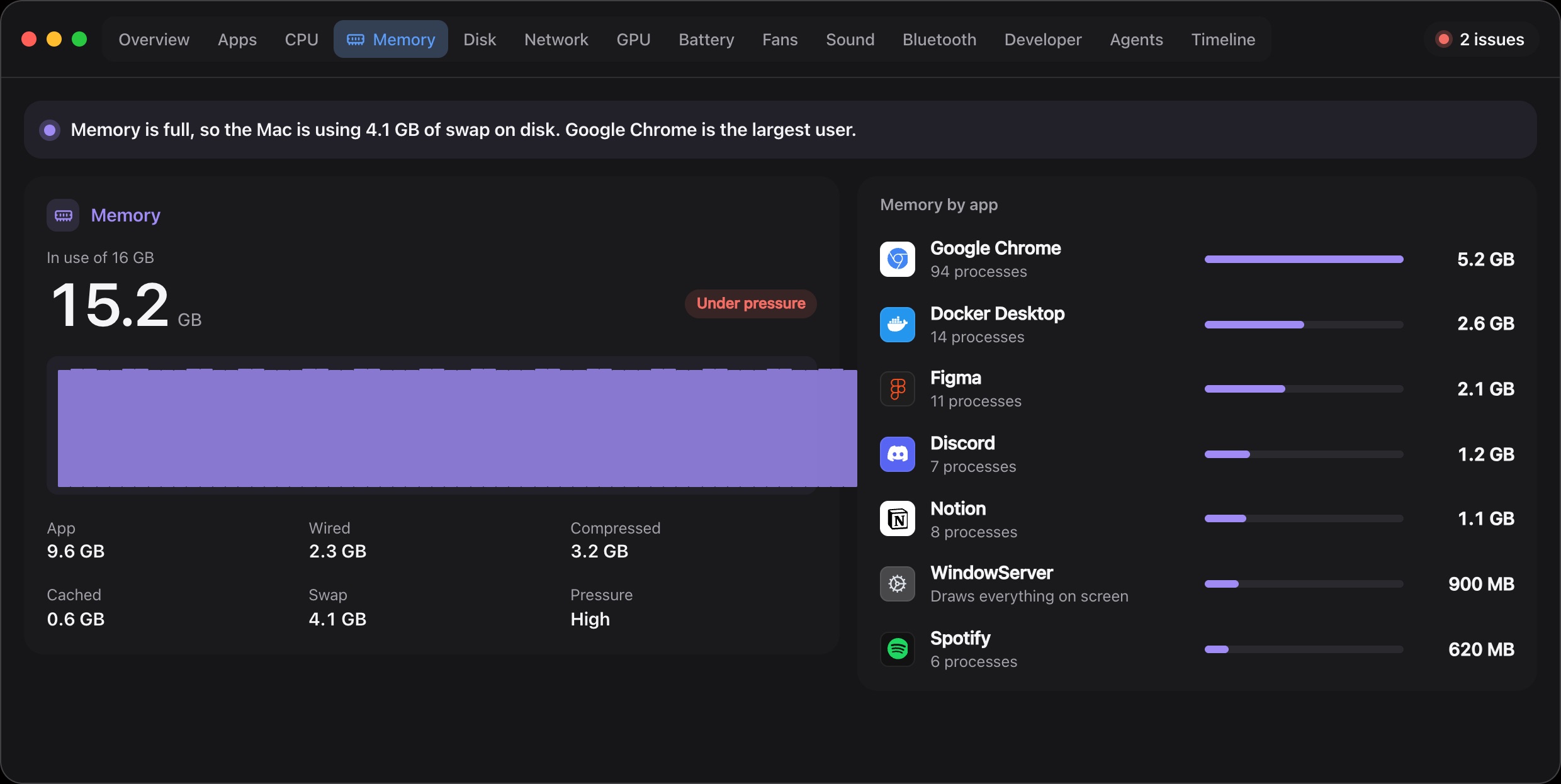
MemoryHow to check memory usage on a MacMemory pressure, swap and the app behind it
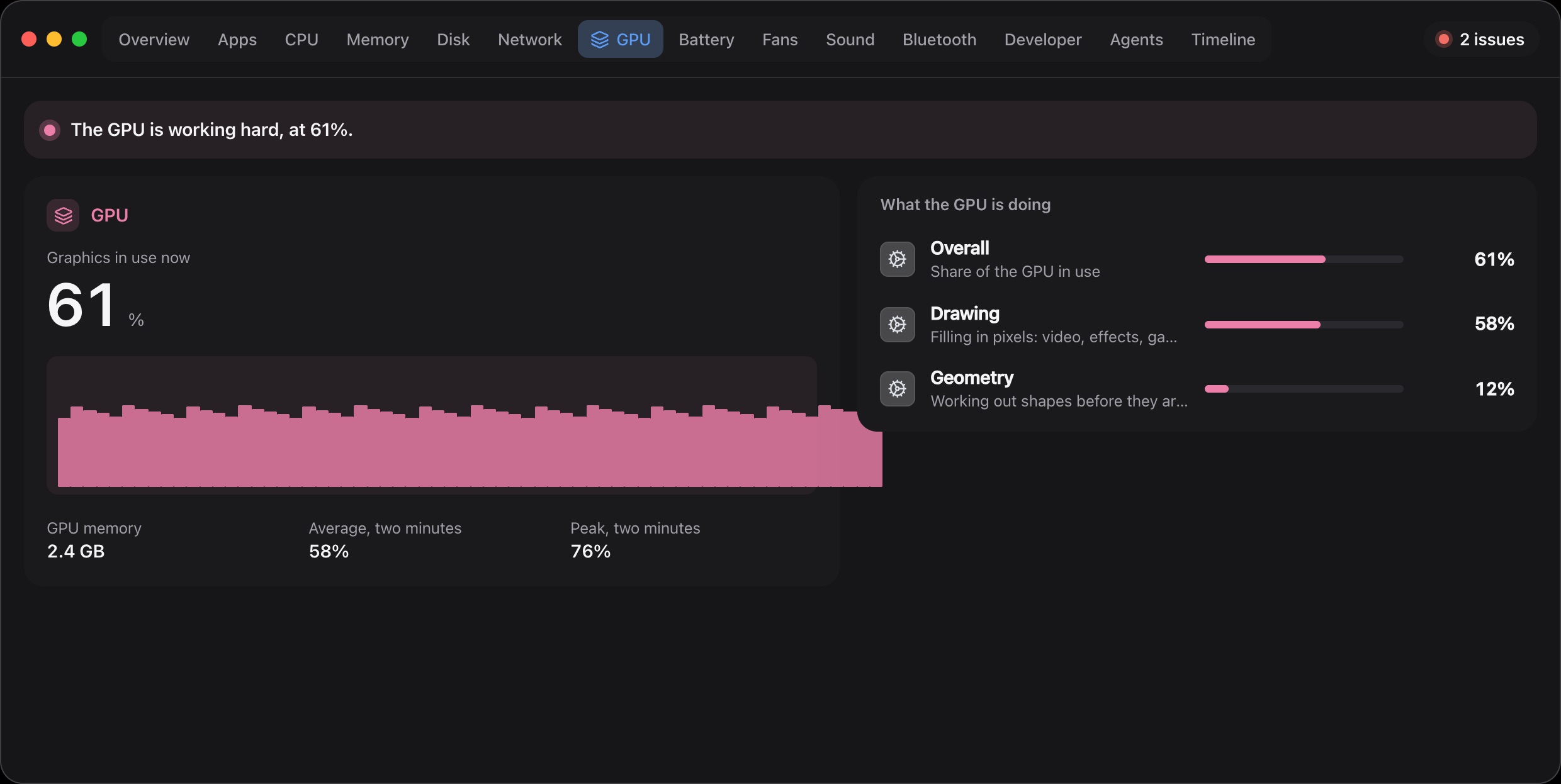
GPUHow to check GPU usage on a MacHow hard the graphics chip is working
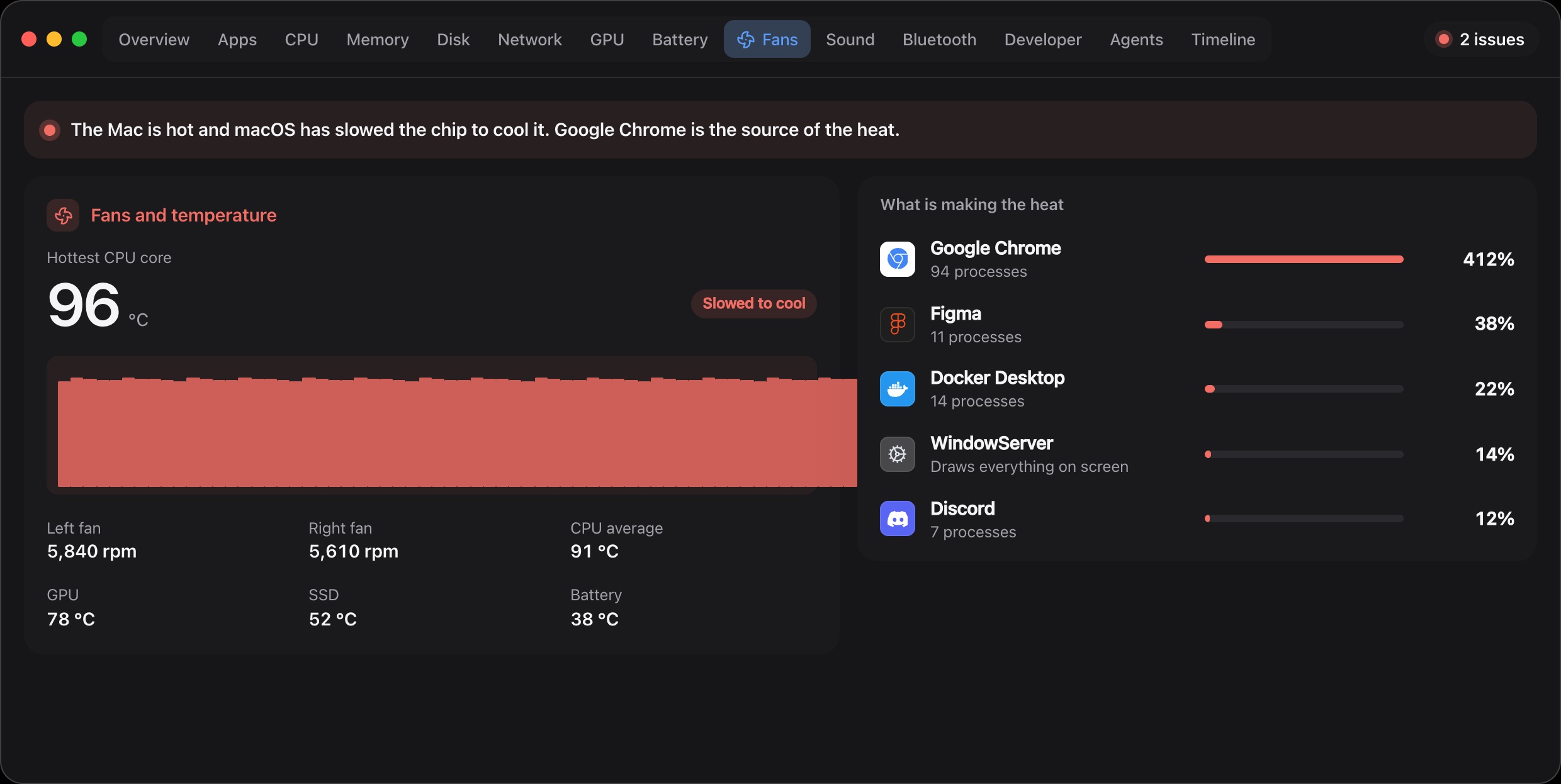
Temperature and fansMacBook overheating: how to find the causeFind what is making the Mac hot
Processes explainedWhat is WindowServer on a Mac?What macOS processes are, and if you can quit them
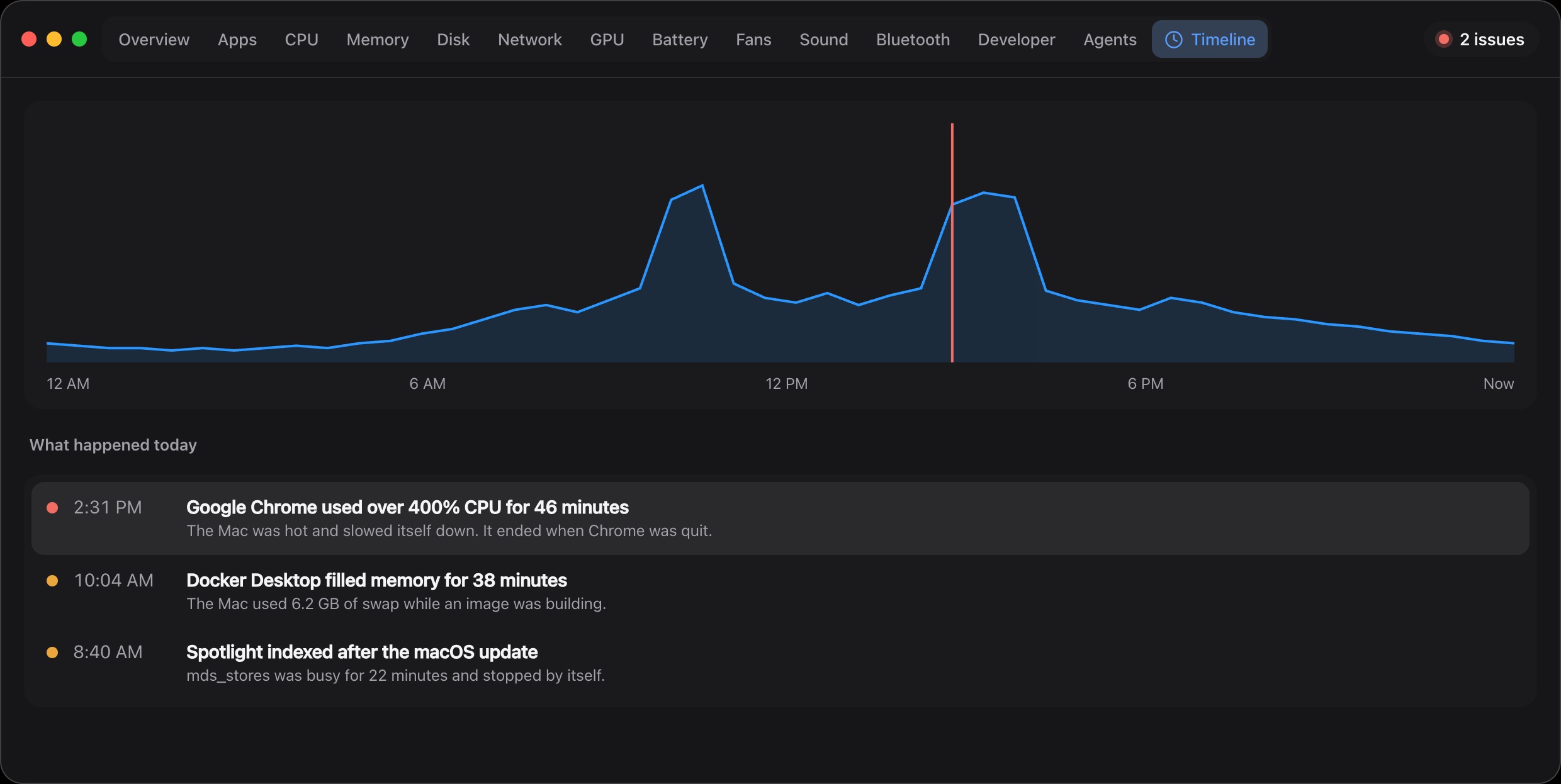
TimelineDoes Activity Monitor keep a history? How to see what slowed your Mac earlierWhat Activity Monitor keeps, and what it does not
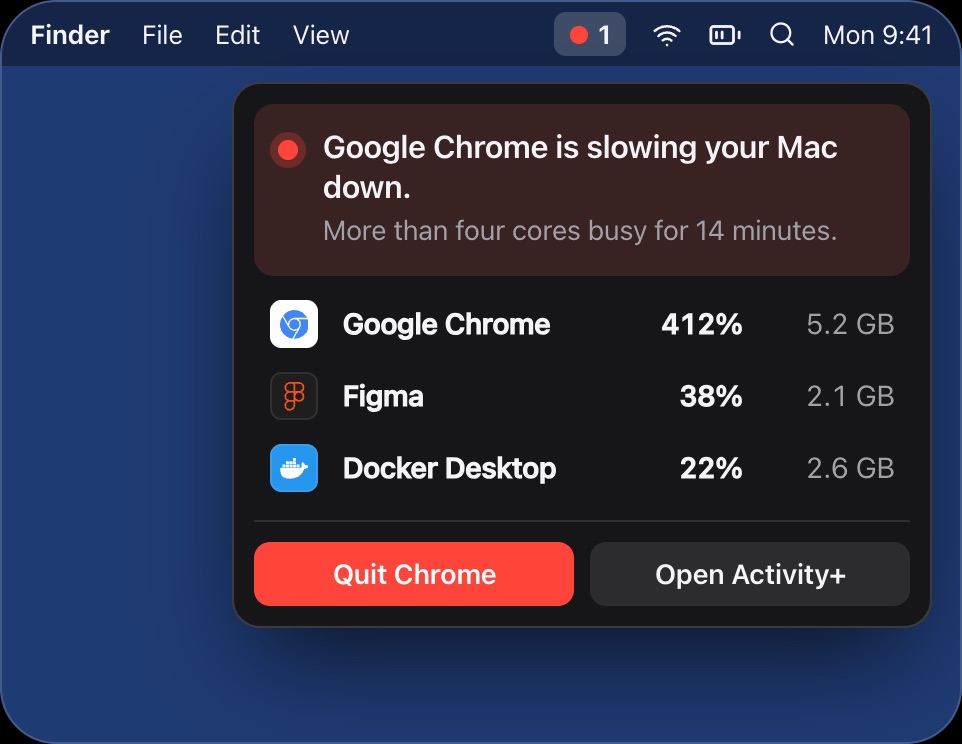
Menu bar lightHow to get a system monitor in your Mac menu barWhat macOS has built in, and the apps that add it
Storage
What is safe to delete when the disk is full, and what the large grey System Data bar really holds.
Battery, sound and network
Battery health, the charge of connected devices, which app is listening, and which app is using the connection.
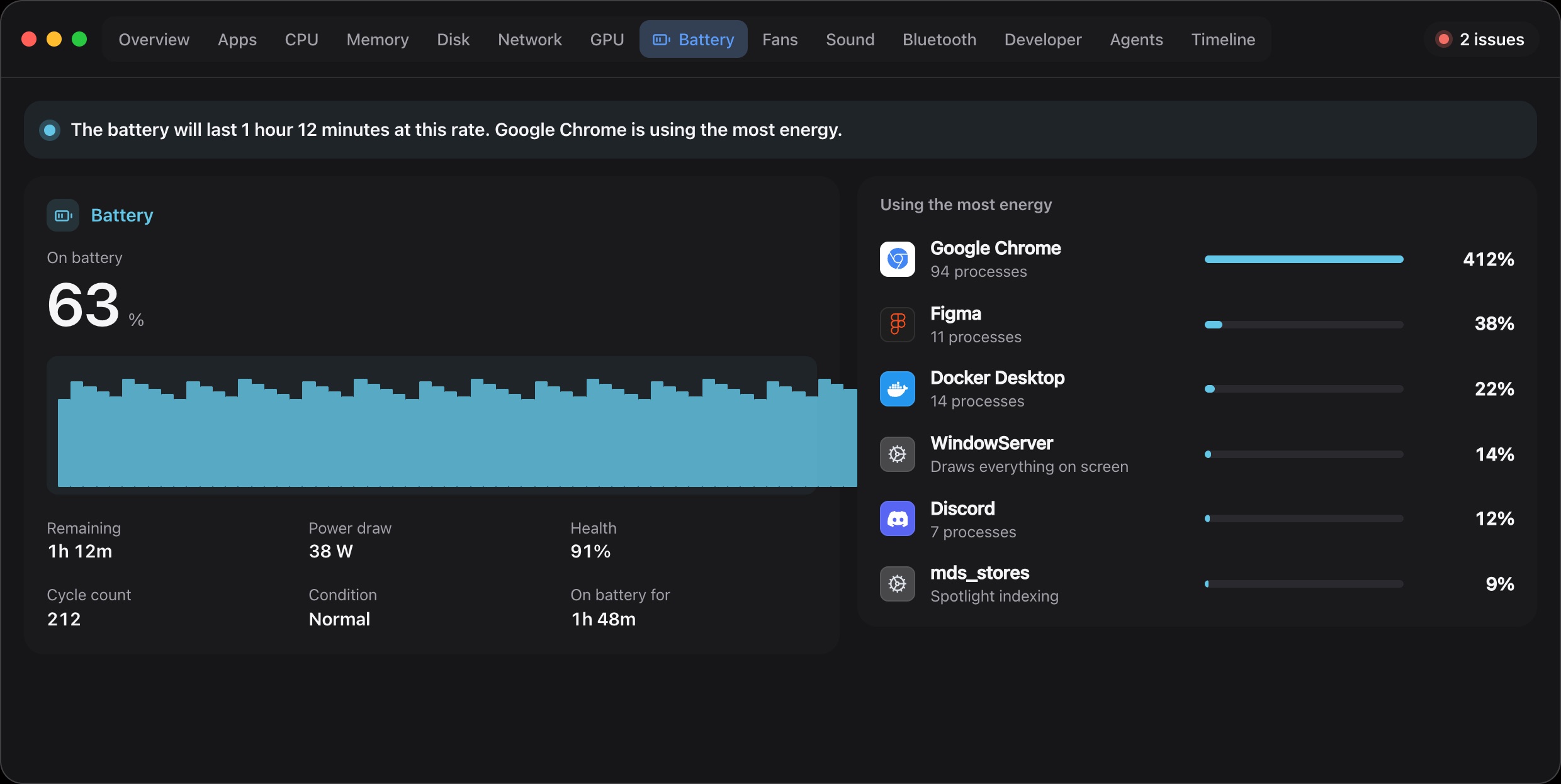
BatteryHow to check battery health on a MacBookHealth, cycle count and what drains it
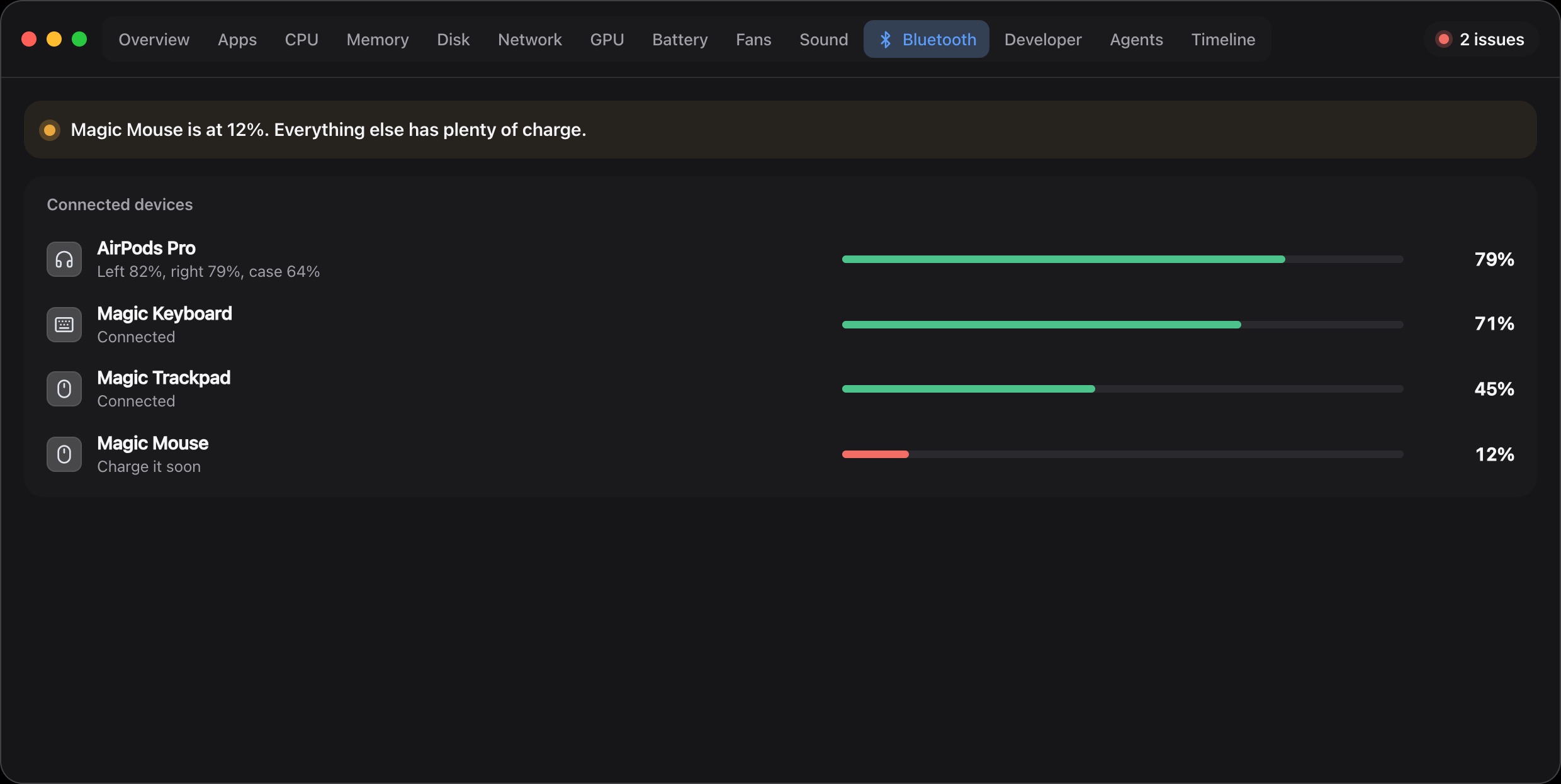
BluetoothHow to check Bluetooth battery levels on a MacBattery levels for AirPods, mouse and keyboard
Sound and microphoneHow to see which app is using the microphone on a MacWhat the orange dot means, and which app is behind it
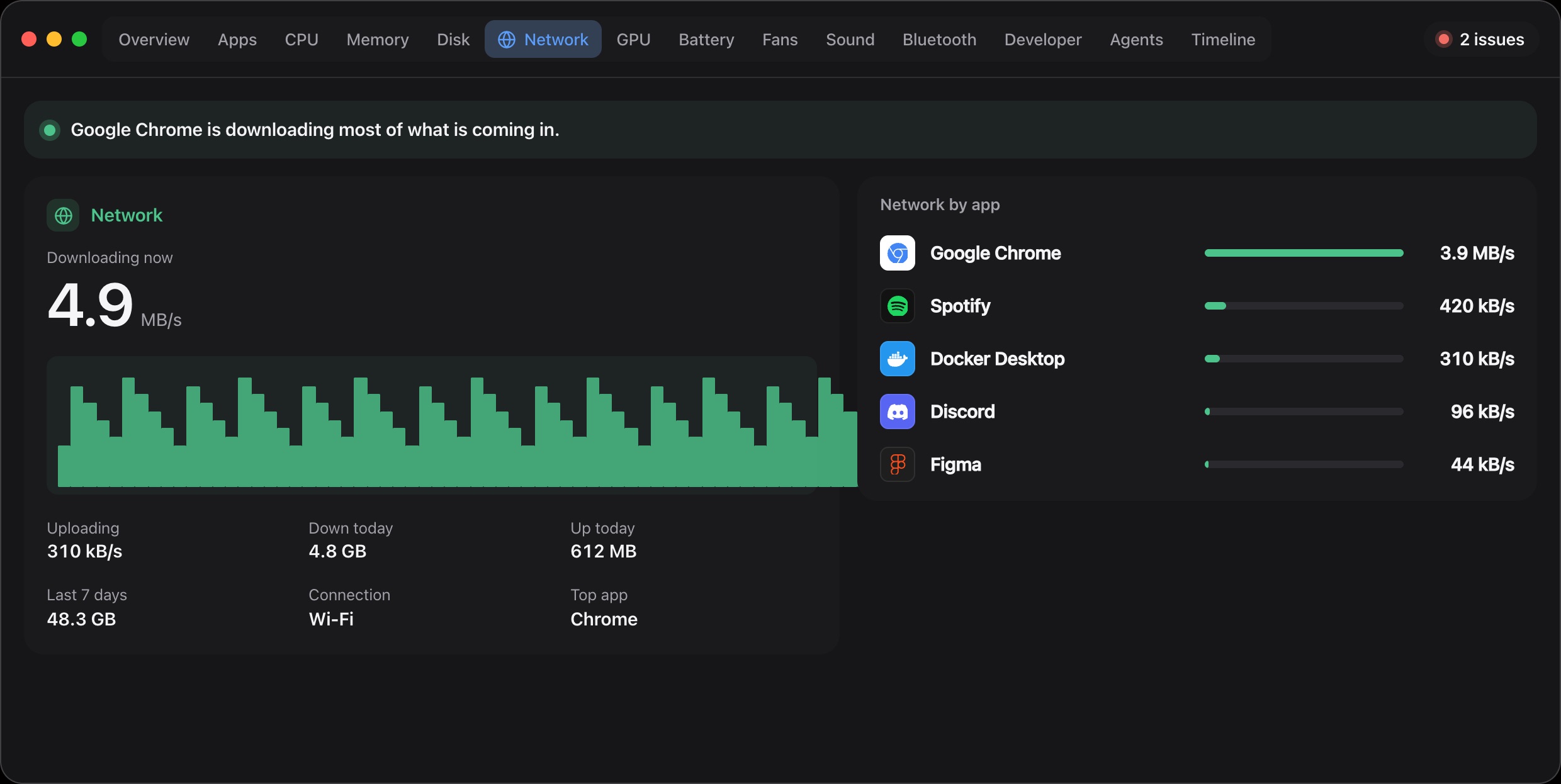
Network by appHow to see which app is using the network on a MacWhich app is using your connection
For developers
Ports that are already in use, and what coding agents cost the Mac and the plan.
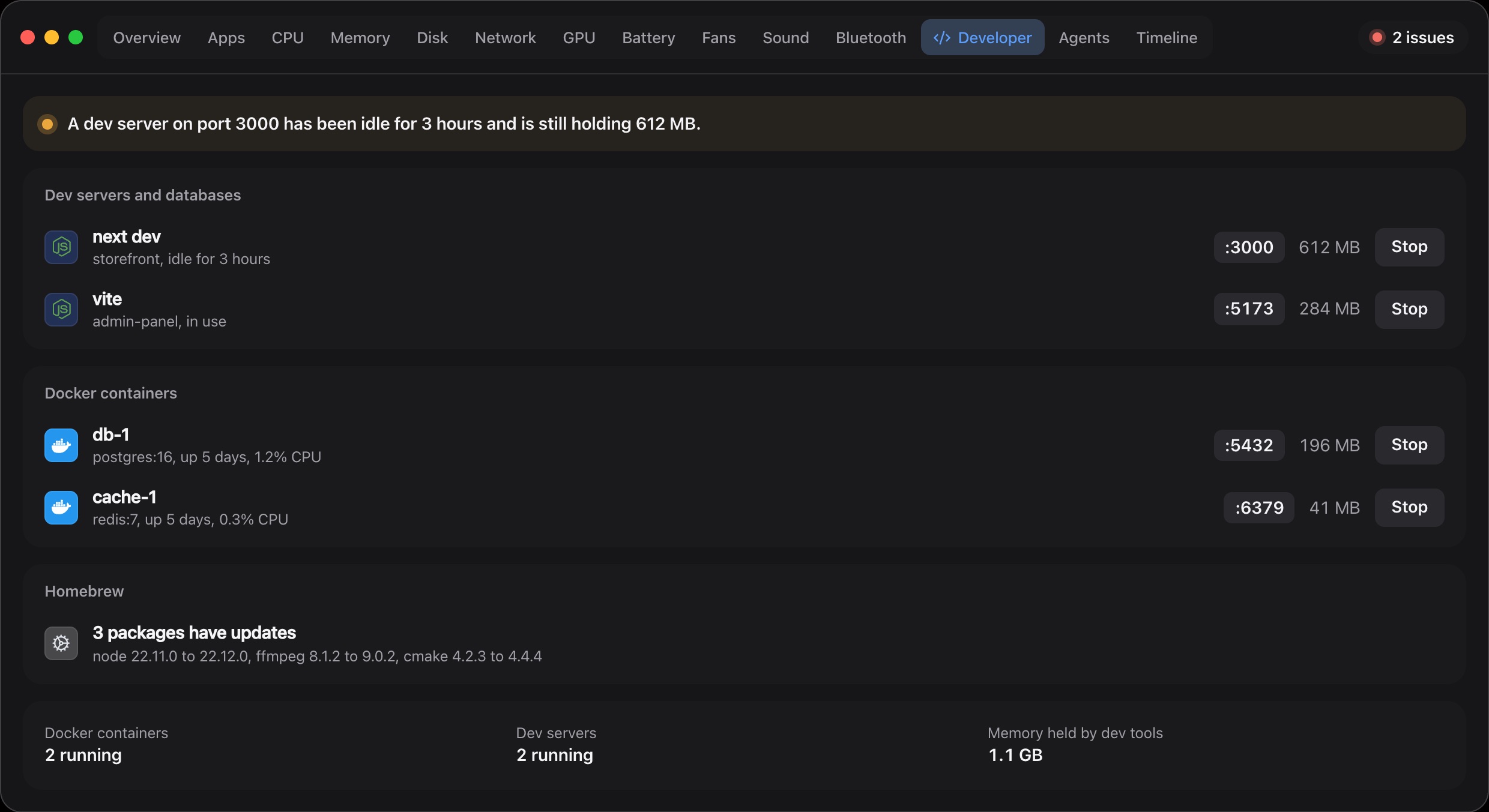
Dev servers and portsHow to kill a process on a port on a MacSee what holds a port, and stop it
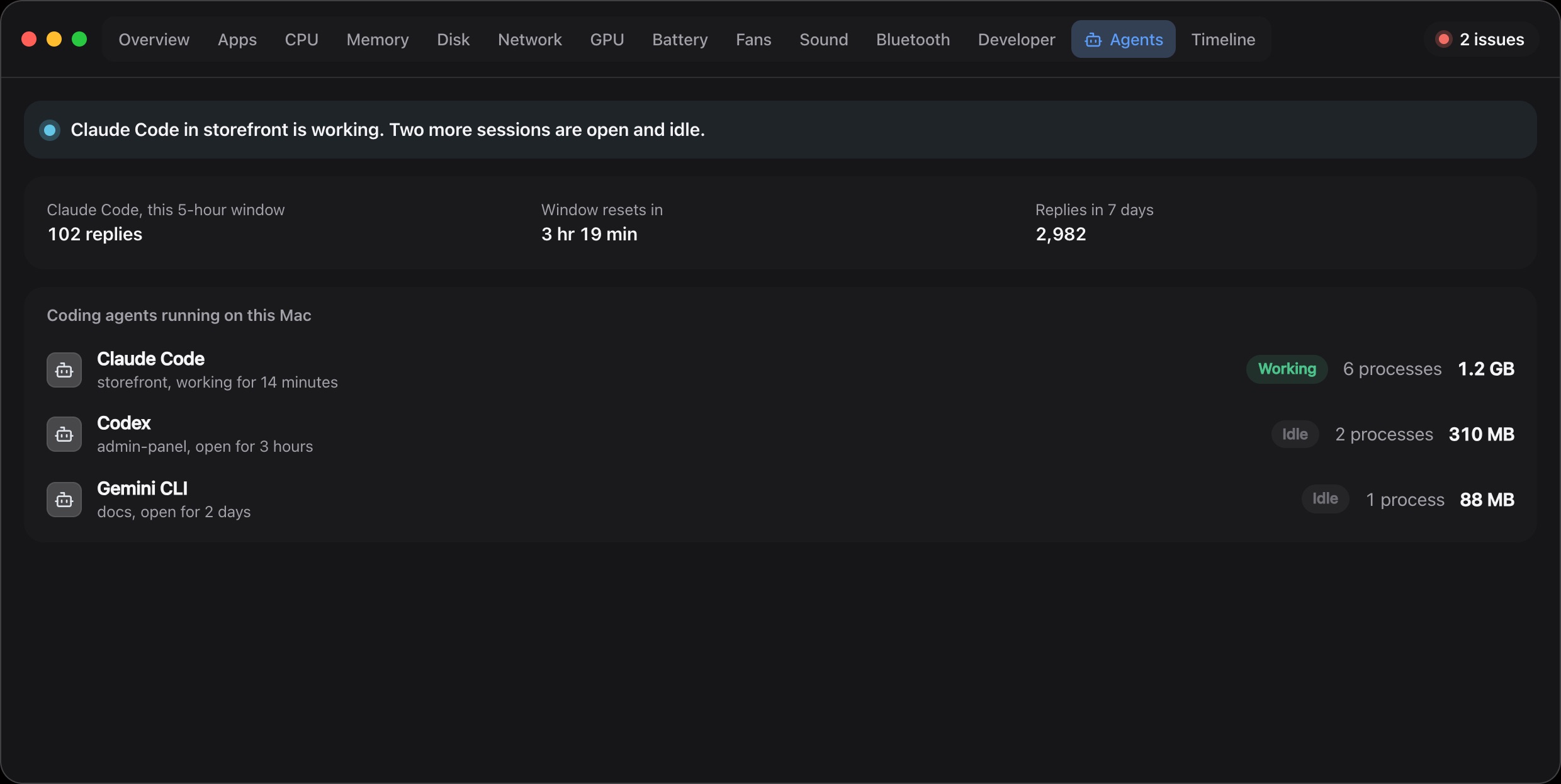
Coding agentsHow to monitor Claude Code and other coding agents on a MacEvery agent session, and what it is using
Claude Code usageHow to check your Claude Code usage and limitsWhat you have used, and when it resets
The app behind the guides
Activity+ is a task manager for Mac that names the app behind a problem in a sentence. See everything it shows, how it compares with other Mac monitors, or try it free for 7 days.